Coveo Control Panel
Coveo Control Panel

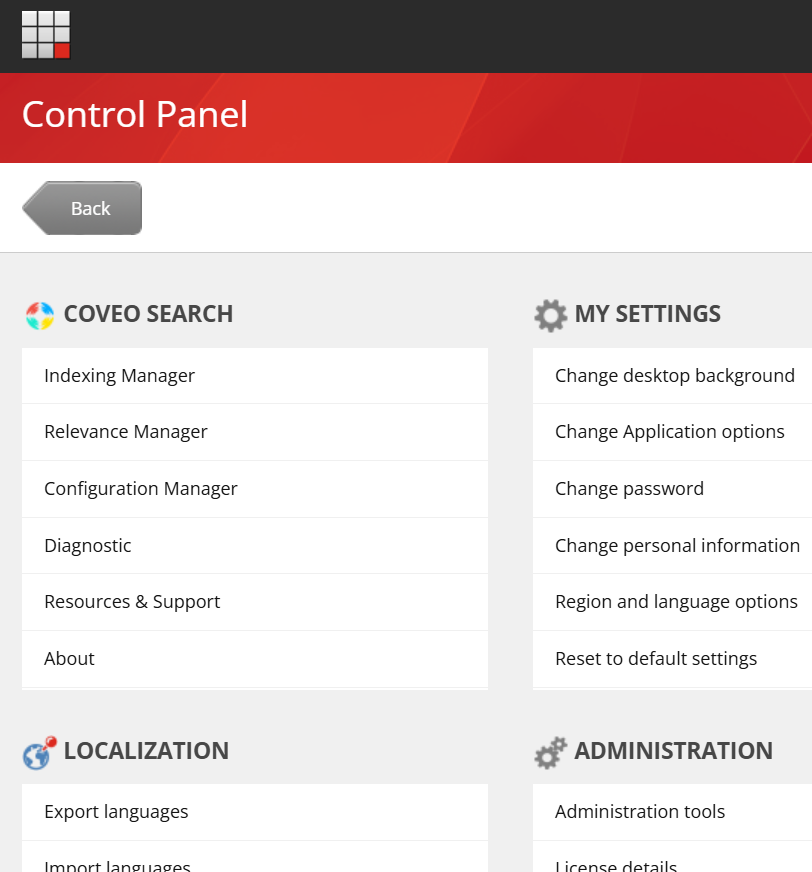
The Coveo for Sitecore package adds a Coveo Search section to your Sitecore instance. The Coveo Search section provides access to the most commonly used Coveo for Sitecore package resources: the Command Center, the Coveo Diagnostic Page, and your Coveo for Sitecore license information. Users with the required permissions can access the Coveo Search section by navigating to the Sitecore Launchpad and selecting Control Panel.
All Sitecore administrators have access to the Coveo Search section.
If a user needs to have access to the Coveo Search section without being a Sitecore administrator, you can assign it to the sitecore\Coveo Admin role.
To add a user or role to the sitecore\Coveo Admin role
-
Open the Role Manager.
-
Select the
sitecore\Coveo Adminrole and choose the Members menu item.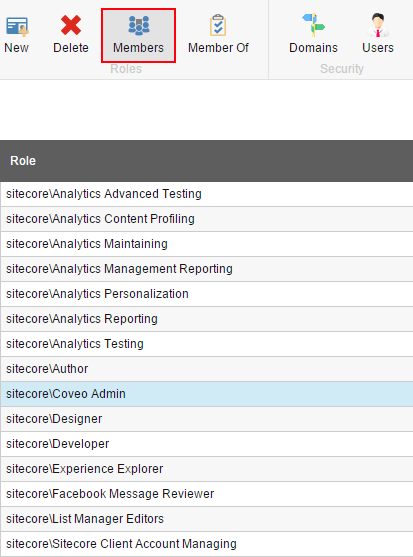
-
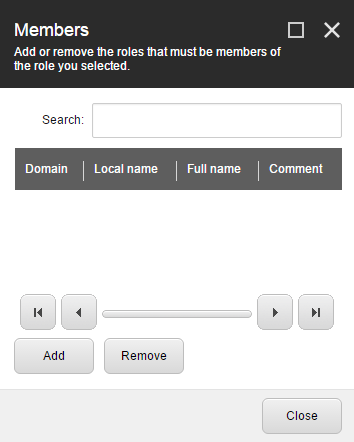
The Members dialog will be displayed. Choose Add.
-
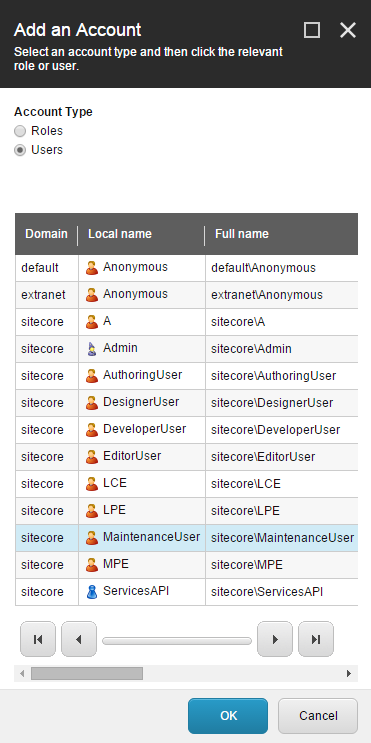
The Add an Account dialog will be displayed. Choose the Account Type and select the User or Role you want to add.
-
Click OK and then Close.