Single sign-on (SSO) troubleshooting
Single sign-on (SSO) troubleshooting

This is for:
System AdministratorThis page provides troubleshooting tips for common issues with Single Sign-On (SSO) in your organization.
Public certificate is expired or invalid

|
Context and symptoms
When trying to log in to the Coveo Platform, the following error appears: "SAML Authentication Error Invalid signature for object [id-…]". Likely cause and resolutionCause This error is typically due to an expired identity provider public certificate. The certificate may also be invalid or incorrect. In either case, Coveo can’t validate the signature of your identity provider’s SAML response. Resolution Get a new public certificate from your identity provider, and then enter it on the Settings page of the Coveo Administration Console, under Organization > Single sign-on (platform-ca | platform-eu | platform-au). See the instructions specific to your SSO identity provider for more information. To avoid getting this error due to an expired certificate, a Coveo administrator can add a notification as a reminder to rotate the certificate before the expiration date. |
Response not decrypted
|
|
Context and symptoms
When trying to log in to the Coveo Platform, the following error appears: "SAML Authentication Error Did not decrypt response since it is not signed." 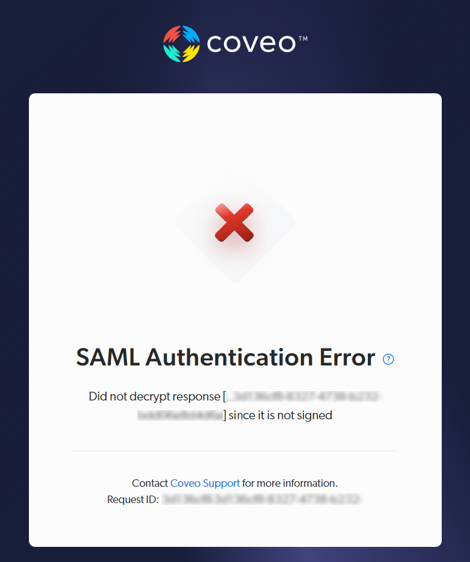
Likely cause and resolutionCause Encrypted assertions in an unsigned response is not considered secure. Resolution Either have your SSO provider sign responses or disable assertion encryption. See the instructions specific to your SSO identity provider for more information. |
User doesn’t have access to any organizations
|
|
Context and symptoms
When trying to log in to Coveo with SSO, the user is successfully authenticated by the identity provider, and then gets the following error: "You don’t have access to any organizations." 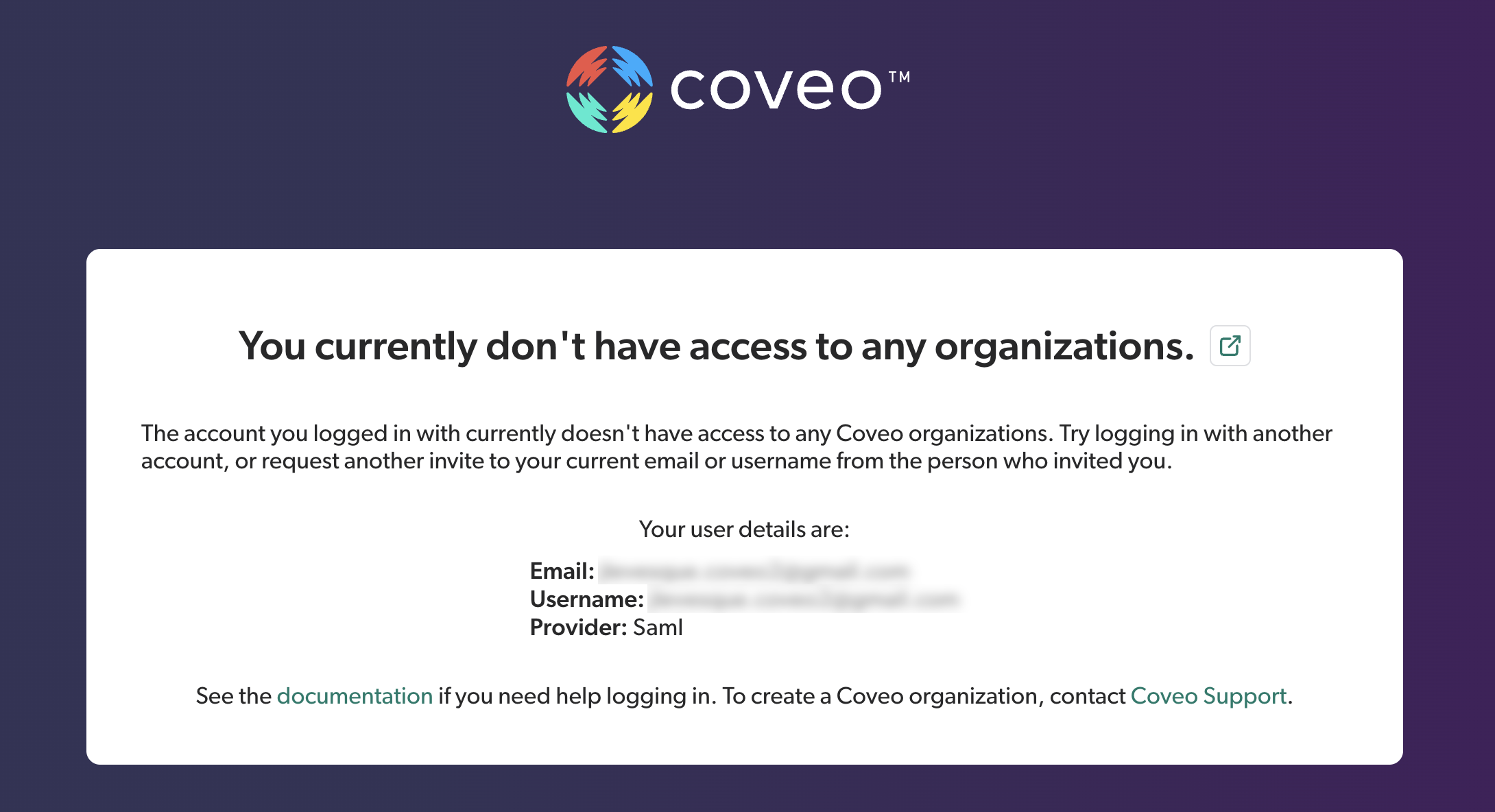
Likely cause and resolutionCause The user’s SSO identity is unknown to Coveo. Resolution Add the user’s SSO identity as a Coveo member, either though the Members (platform-ca | platform-eu | platform-au) or the Groups (platform-ca | platform-eu | platform-au) page. Make sure to select Single sign-on under Provider. See the instructions specific to your SSO identity provider for more information. |