Item identifier and duplicates
Item identifier and duplicates

During content update operations, the Coveo Platform must uniquely identify items already indexed and avoid creating duplicates.
Coveo uses the uri field value to distinguish items.
To see an item’s uri value, inspect its properties in the Content Browser (platform-ca | platform-eu | platform-au).
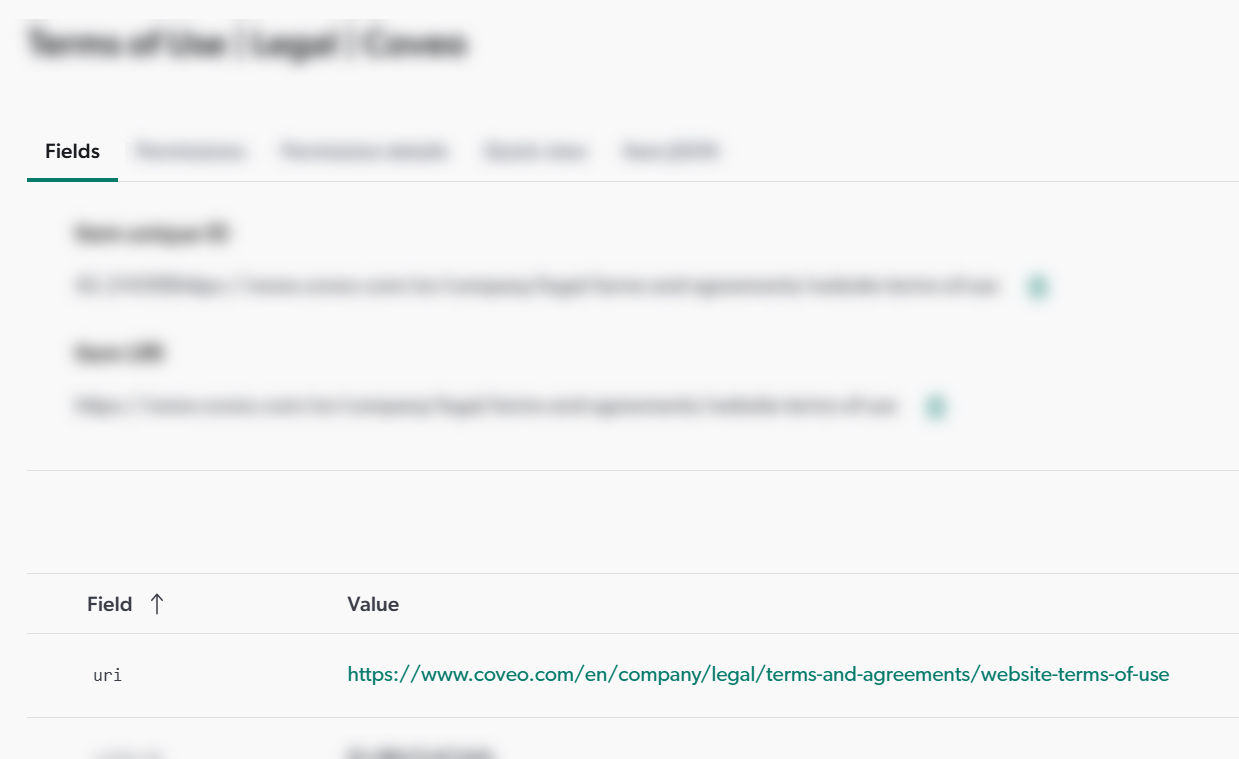
The sudden appearance of duplicates in your index may indicate that the uri field value of items has changed between two content update operations.
This article explains how item URIs are derived and provides troubleshooting guidance to identify and resolve item URI-related issues.
How uri field values are derived
Like all Coveo fields, the uri field is populated using metadata extracted from your content.
The way that metadata is extracted depends on the source type used to index your content.
With many source types, the source automatically extracts the metadata required to populate the uri field, for example, the item’s URL.
With other source types, metadata extraction is manual: you must specify in the source configuration which piece of information from your content to extract as the metadata for the uri field.
For example, a Database source requires you to specify the item URI metadata value syntax in the text node of the <Uri> element in the source’s XML configuration.
To make the content of the <Uri> element unique for each item, it must include a dynamic value, such as a reference to the ID column, as shown in the following example:
<Uri>http://www.example.com/Customers/details.aspx?Id=%[ID]</Uri>Troubleshooting item URI issues
Given the different ways sources populate item URI metadata, either automatically or through user-defined expressions, the root cause of duplicate items can vary.
With sources where the metadata extraction is automatic, the root cause is usually in your content or in the way your system presents the content.
For example, if the metadata used to populate the uri field changes from example.com/my item to example.com/my%20item due to a space character encoding change, Coveo won’t recognize it as the same item.
This results in both versions appearing in your index instead of just the updated one.
With sources where you configure metadata values manually, the issue may stem from:
-
Changes to the URI metadata value expression in the source configuration.
-
Changes to the dynamic values used in the URI metadata value expression.
In either case, the simplest way to resolve duplicate item issues is to remove all source items from your index and repopulate it from scratch. When the source type supports it, use a source rebuild to do so.
With Push sources, perform a Delete old items and then re-push all your content to the index.
With Catalog sources, perform a full rebuild using either the load operation or the update operation. If you use the update operation, ensure you remove the old items.