Filter rules for search
Filter rules for search

This is for:
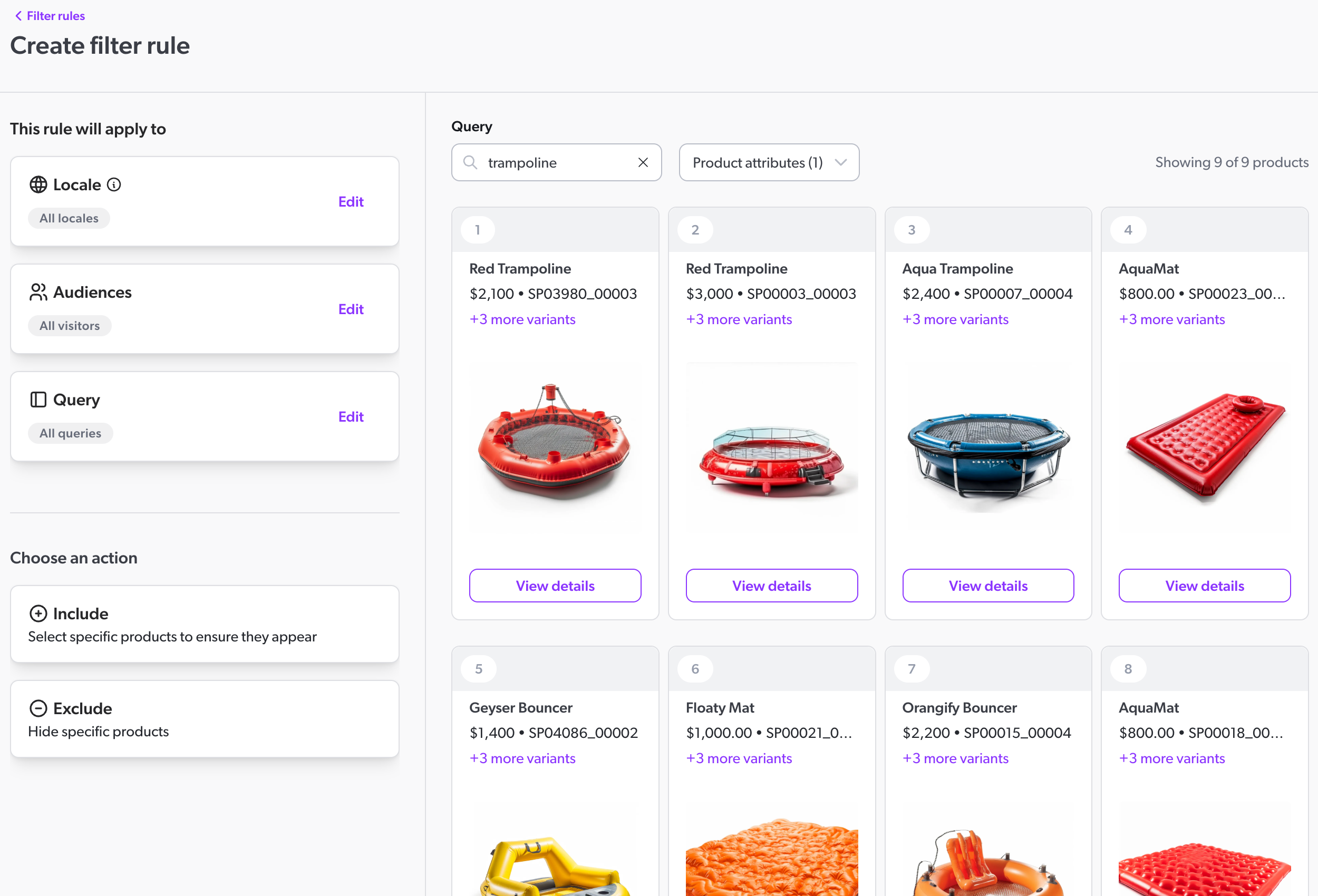
MerchandiserIn the Coveo Merchandising Hub (CMH), merchandisers can define filter rules to control which products appear on a search results page.
Search filter rules let merchandisers define conditions that products must meet to be excluded from a query’s result set. For example, a merchandiser could create a filter rule to hide all products that are out of stock from the search results.
Filter rules can apply to all queries or to one or more specific queries. They can also be scheduled for a specific time, letting merchandisers plan and execute their strategies more effectively.
Use case examples
Filter rules can be used to address a variety of use cases. Here are a few examples:
-
Hide out-of-stock products: Hide products that are out of stock from the search results.
-
Hide specific products: Hide specific products from the search results when a certain query is performed. For example, you could create a rule that will hide all products from a specific category when an unrelated category is searched.
Prerequisites
Before you create rules in the Coveo Merchandising Hub (CMH):
-
Choose the correct property to ensure that your changes affect the intended queries.
Create a filter rule
To create a filter rule, see Exclude rules for search.

|
Note
Include rules for search can no longer be created in the Coveo Merchandising Hub (CMH). Existing rules will remain active and can be edited. |