New Coveo for Salesforce v3 features of 2020
New Coveo for Salesforce v3 features of 2020
Coveo for Salesforce updates are regularly made available to offer new and improved features. This page presents the main new features of 2020.
-
The latest features are available in New Coveo for Salesforce features.
-
Coveo for Salesforce application updates are made available from the AppExchange.
-
You can also review the detailed product Release notes for more information.
Coveo for Salesforce (3.46) - Winter ‘20 Release - February 19, 2020

Facet Value Suggestions for Coveo for Community Cloud
Ensure a richer Search Experience for Community users by suggesting relevant filters as users type their query in the Community Searchbox using Facet Value Suggestions. The selected facet value will be automatically selected in the search results page.
Session and User Stitching for User Actions
Empower agents with insight into all of a user’s interactions with Coveo content across several sessions, anonymous and authenticated, as well as across different devices or browsers. Enable them to use this insight to close cases faster and in a more personalized and satisfactory manner.
Customizable Coveo Recommendations for Communities
Provide custom recommendations for Community users based on product owned or other relevant attributes. Customize the look and feel of your recommendations components on your community.
Contact your Coveo representative for support in implementing this feature.
Coveo In-Product Experience
Complete your self-service offering with the new Coveo In-Product Experience which brings all your help and support content right into your web app or web site. Ensure your users find the content they need using Coveo personalized and contextual recommendations and unified search.


Coveo Insight Panel Lightning Component for All Salesforce Objects
Recommend relevant content to employees on Opportunities, Leads, and other Salesforce objects (beyond just cases) with the Coveo Insight Panel Lightning Component. Easily leverage the same great features of the existing panel on almost any object in both Service and Sales Cloud Console with simple drag and drop configuration.
User Actions for All Salesforce Objects
Empower employees with visibility into user actions related to Opportunities, Leads, and other Salesforce objects. Easily leverage the same great features of the existing UserActions component on almost any object in both Service and Sales Cloud Console with simple configuration options.

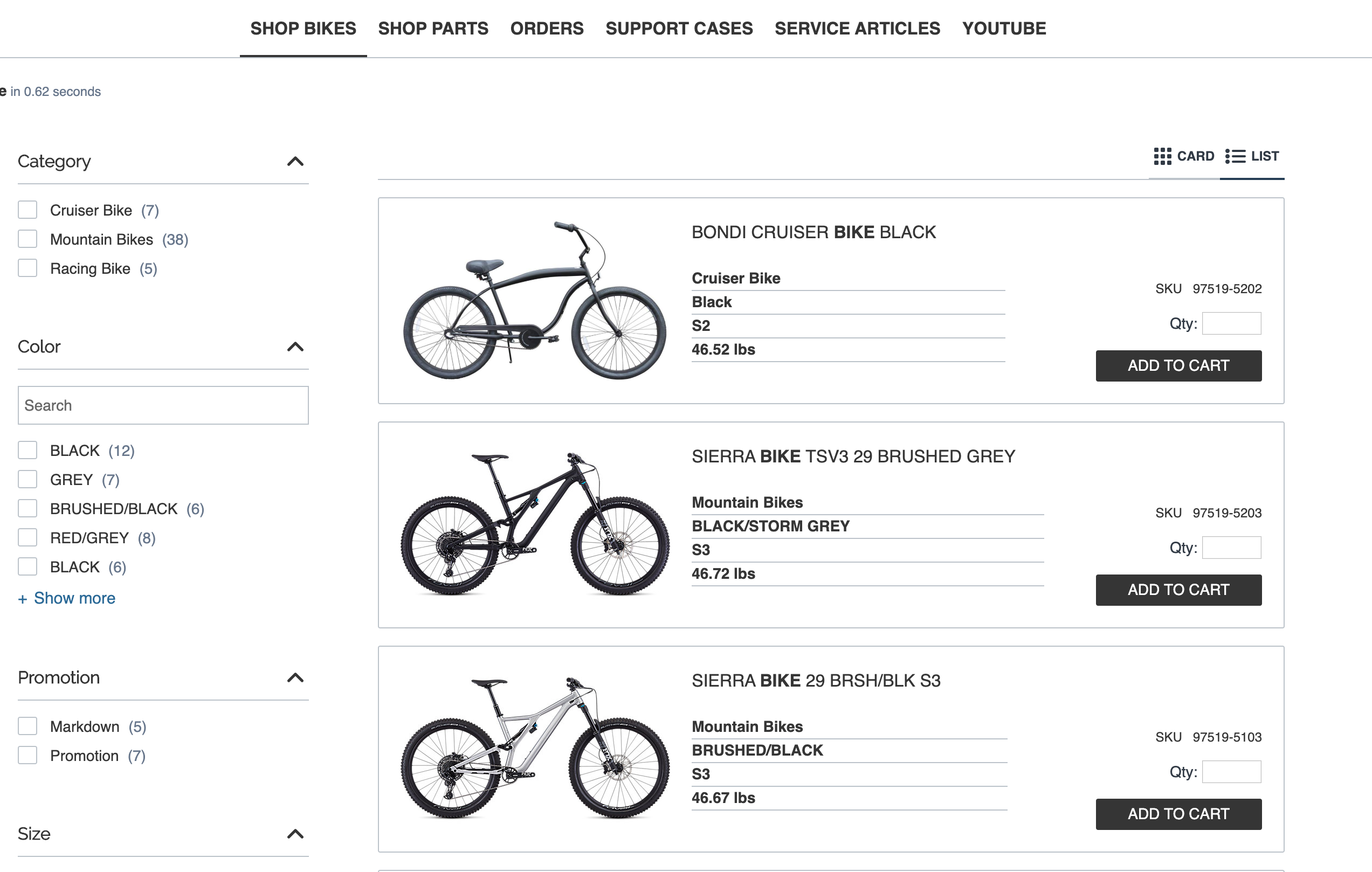
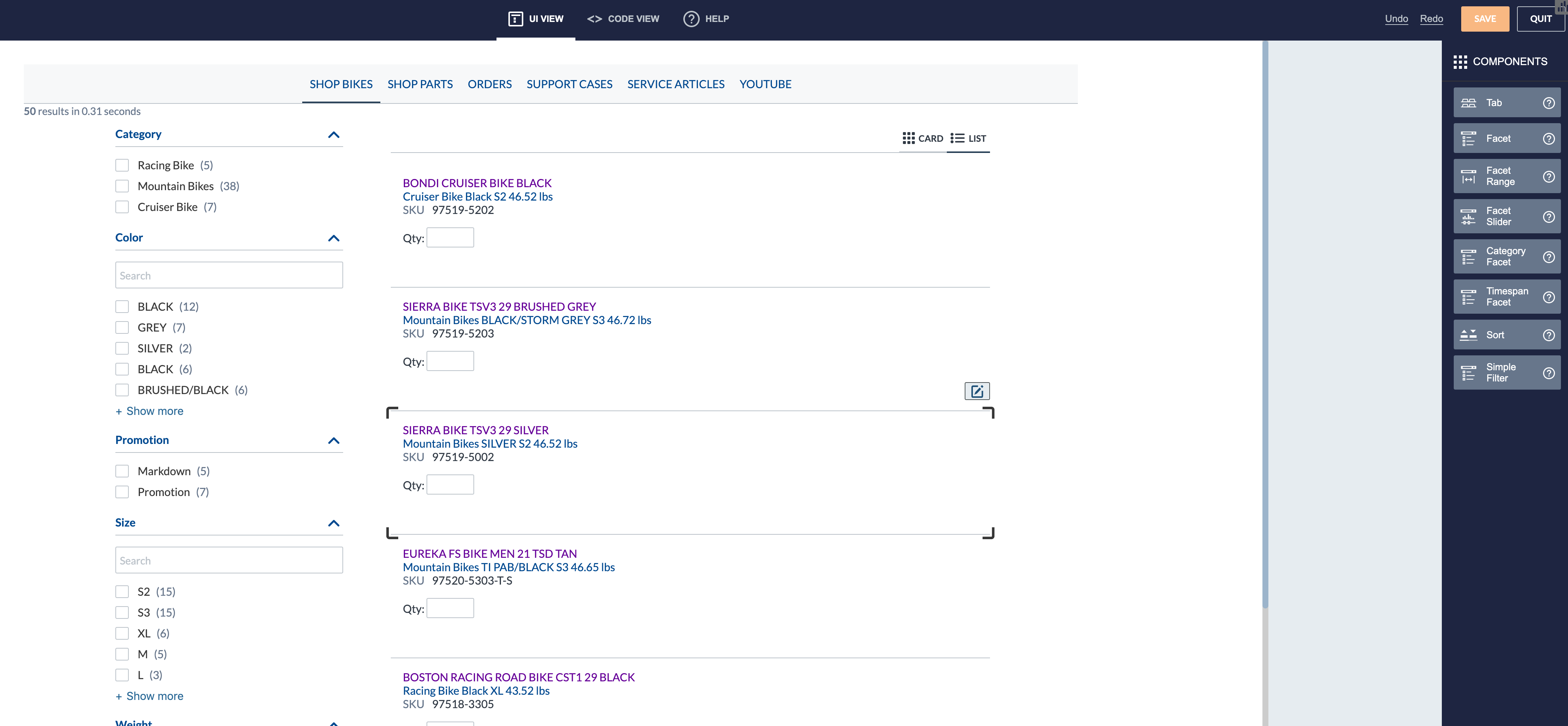
Enhanced B2B Commerce Results Pages Templates for Product and Order Tabs
Create rich B2B Commerce results pages with “clicks, not code” customizable results templates for product and order tabs that are mobile responsive. Coveo’s product card view and list view are optimized for the B2B Commerce shopping experience.
Support for B2B Commerce version 4.11 and Community Cloud Commerce Lightning components
Coveo’s hybrid integration with Salesforce is built on both Lightning & Visualforce in order to support a B2B Commerce experience that’s both in the Community Cloud and the B2B Commerce Cloud.
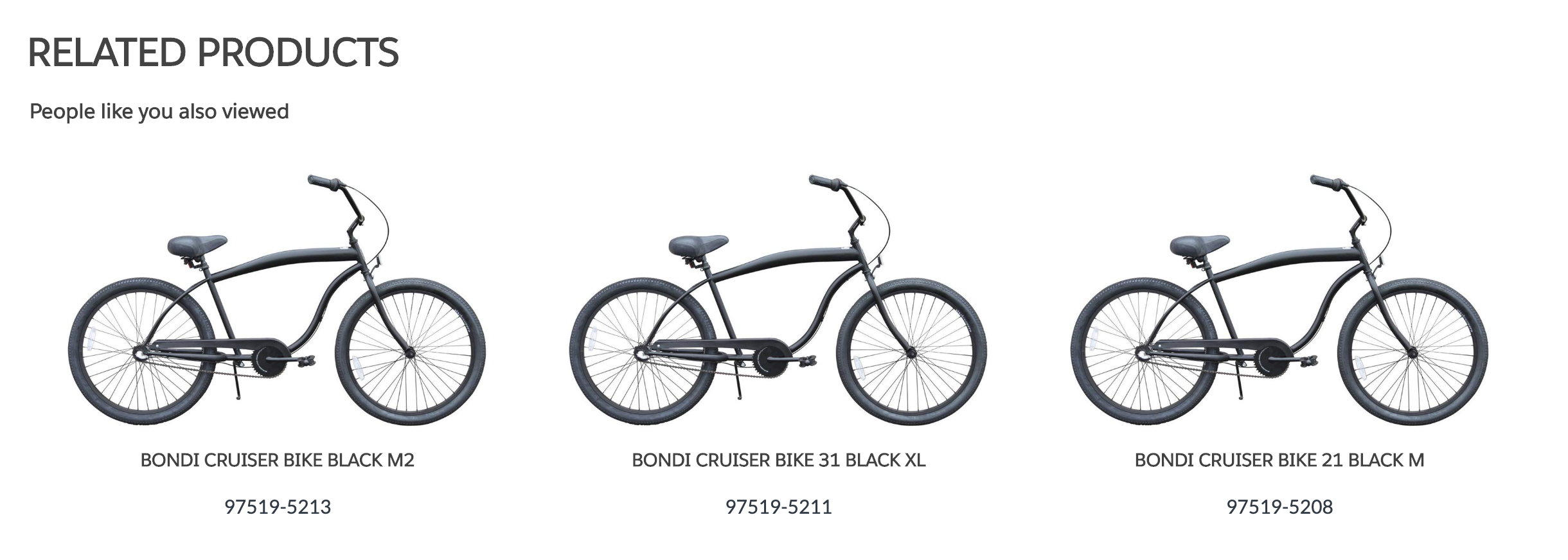
AI-Powered Product Recommendations for B2B Commerce
The product recommendation model consumes usage analytics events tailored for commerce events. The Commerce Machine Learning (ML) model contains 2 submodels. The first submodel is item based and can be used to create “Frequently Bought With” product recommendations. The second submodel is user based and can be used to create “People like you” product recommendations.
Dynamic Navigation Experience for B2B Commerce
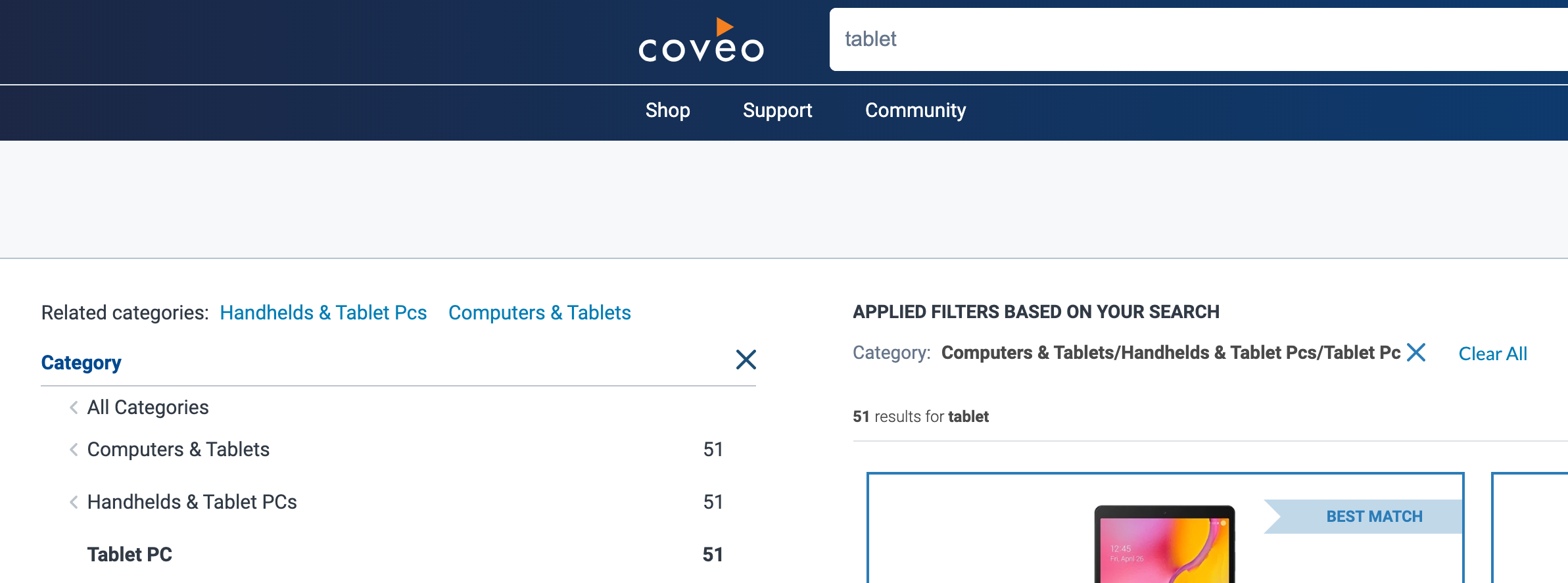
Provide facet selection, facet value ordering and category suggestions to B2B buyers with Dynamic Navigation Experience machine learning model in order to provide a relevant and personalized B2B navigation experience, at scale.

Auto-Complete and Dark Mode in Interface Editor Code View
In the Interface Editor code view, now enjoy auto-complete for JavaScript Search Framework component names and options, plus Dark Mode.