THIS IS ARCHIVED DOCUMENTATION
Opening the Coveo Search Control Panel Section
Opening the Coveo Search Control Panel Section
In this article
In this article
Coveo for Sitecore adds a section in the Sitecore Control Panel that allows administrators to configure and troubleshoot it.
To Access the Coveo Search Control Panel Section
In Sitecore 8 and 9
-
Log into the Sitecore Experience Platform.
-
Open the Control Panel by clicking its tile.
-
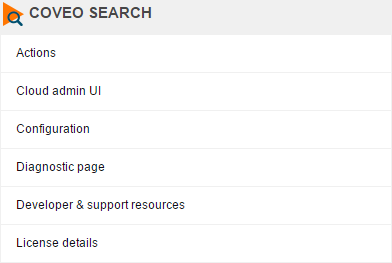
Locate the Coveo Search section.
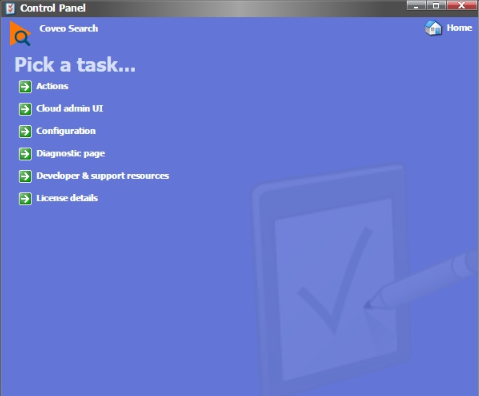
In Sitecore 7
-
Log into the Sitecore Desktop.
-
Open the Control Panel ().
![Open the Control Panel (menu:Sitecore Start Menu[Control Panel]) | Coveo for Sitecore 4](https://docs.coveo.com/en/assets/images/archived/sc-7-control-panel-pick-category.png)
-
Choose Coveo Search.