Boxes and admonitions
Boxes and admonitions
Markdown boxes
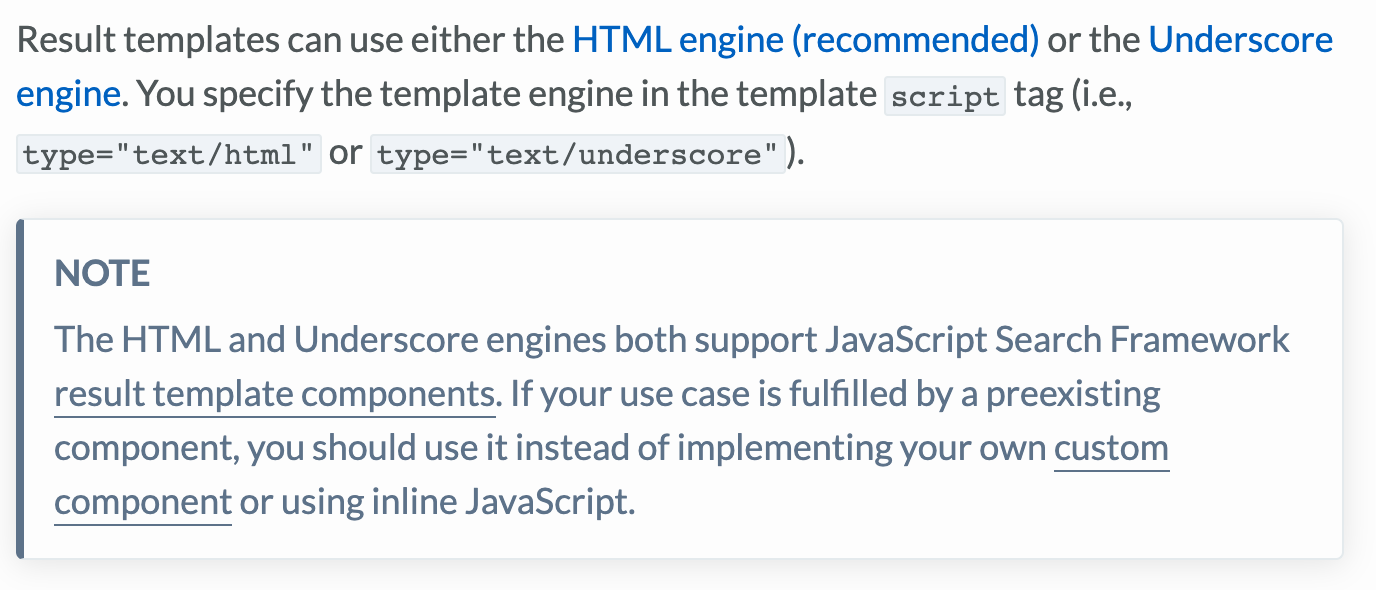
Note (grey)
Notes provide information that requires higher priority and visibility than a footnote.
Notes typically contain supplementary information that is pertinent to the context or applicable under specific conditions. This information usually isn’t necessary to complete a task or understand a concept.
Put notes in specifically styled text boxes so readers can find them more easily (use the note and notes snippets).
When there are two or more notes, use one Notes box with bullets rather than adjacent boxes.
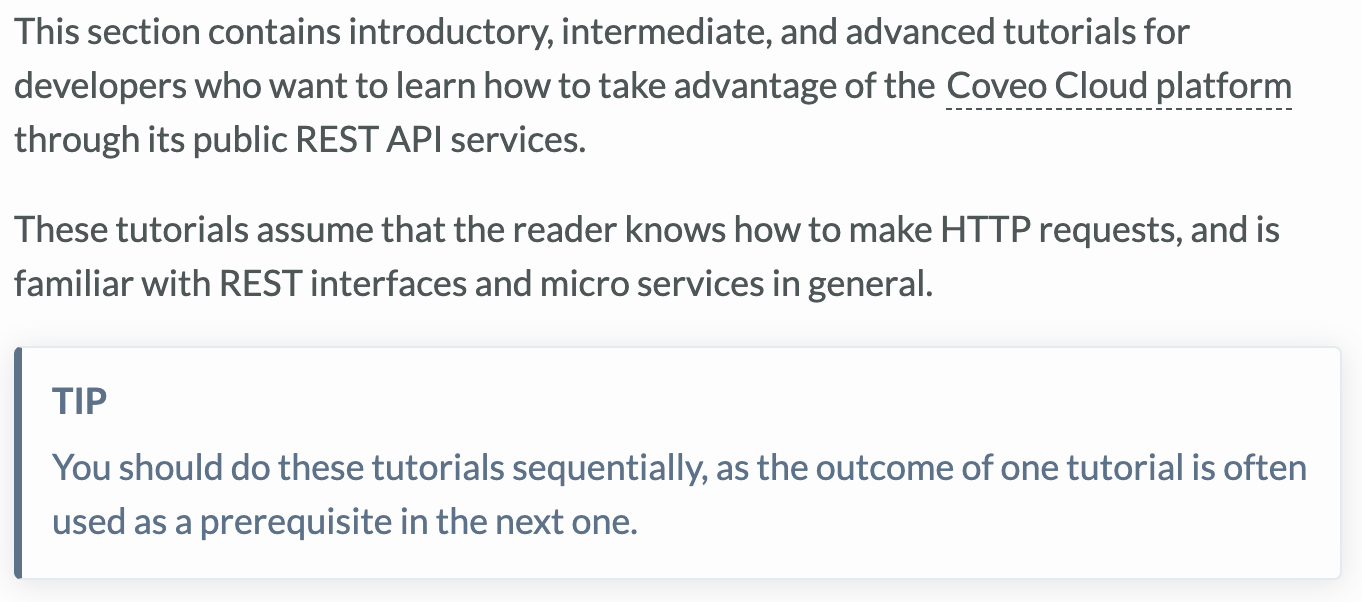
Tip (grey)
Tips usually contain context-specific information, such as alternative ways to perform a task or similar features you can explore.
Put tips in specifically styled text boxes so readers can find them more easily (use the tip and tips snippets).
When there are two or more tips, use one Tips box with bullets rather than adjacent boxes.
Example (blue)
Examples are essential because readers often need them to understand concepts or resolve issues.
To make examples easier to find, put them in specifically styled text boxes (that is, use the example and examples snippets).
When you start typing "For example…" or "For instance…", consider creating an example text box instead.
In the example box, when creating an introduction sentence, do not use bold.
If the example is short and does not deserve a text box, you can use an in-sentence formulation "… such as blah blah".
Use bullets in an Examples box when there are two or more examples rather than adjacent example boxes.
Leading practices (green)
Use these to describe ways to configure or use the product to maximize output or efficiency.
Fewer chances of breaking.
Robust.
Use recommended patterns.
Put leading practices in specifically styled text boxes to more easily find them (the leading practice and leading practices snippets).
When there are two or more leading practices, use one Leading practices box with bullets rather than adjacent boxes.
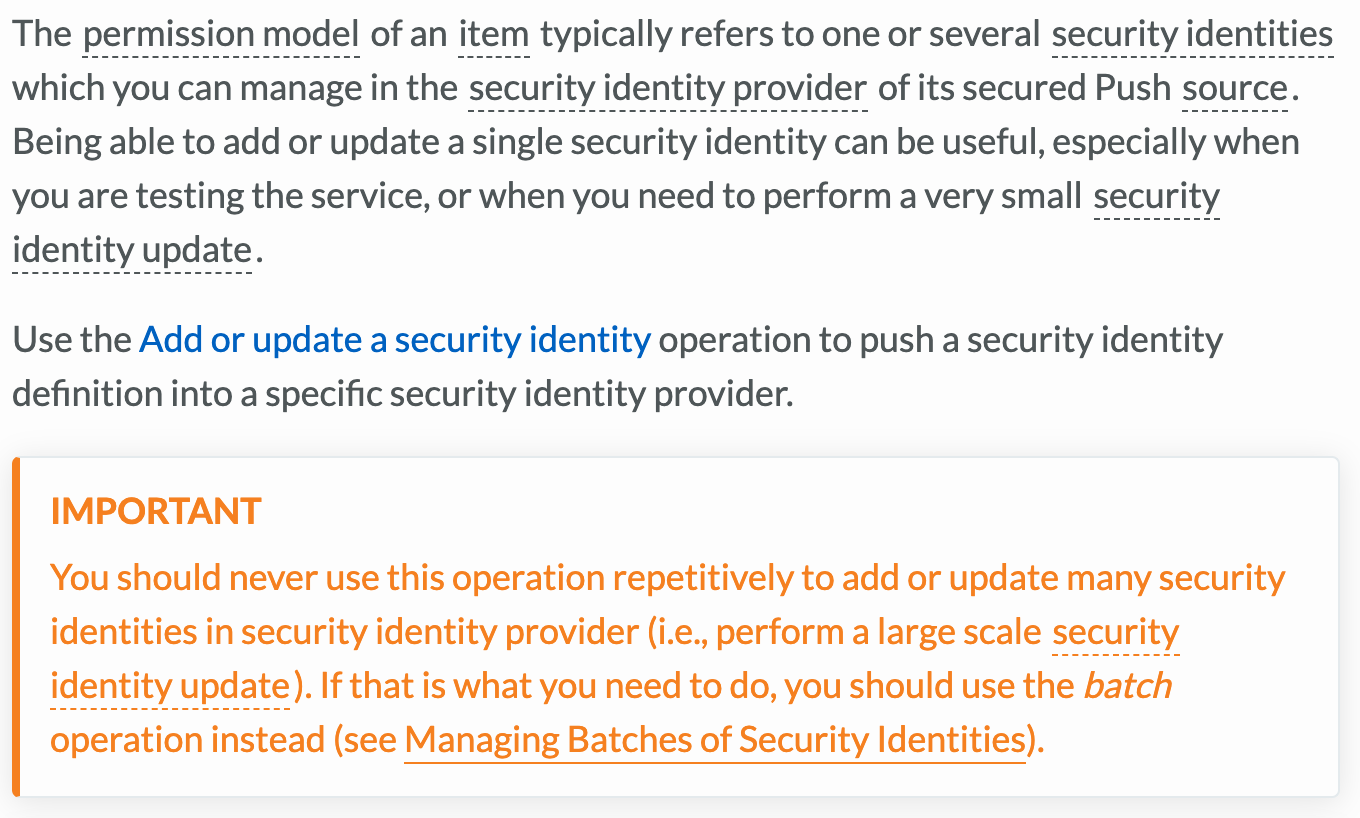
Important (orange)
Use these to prevent wasted time, configuration issues, user inconvenience, or hitting limits.
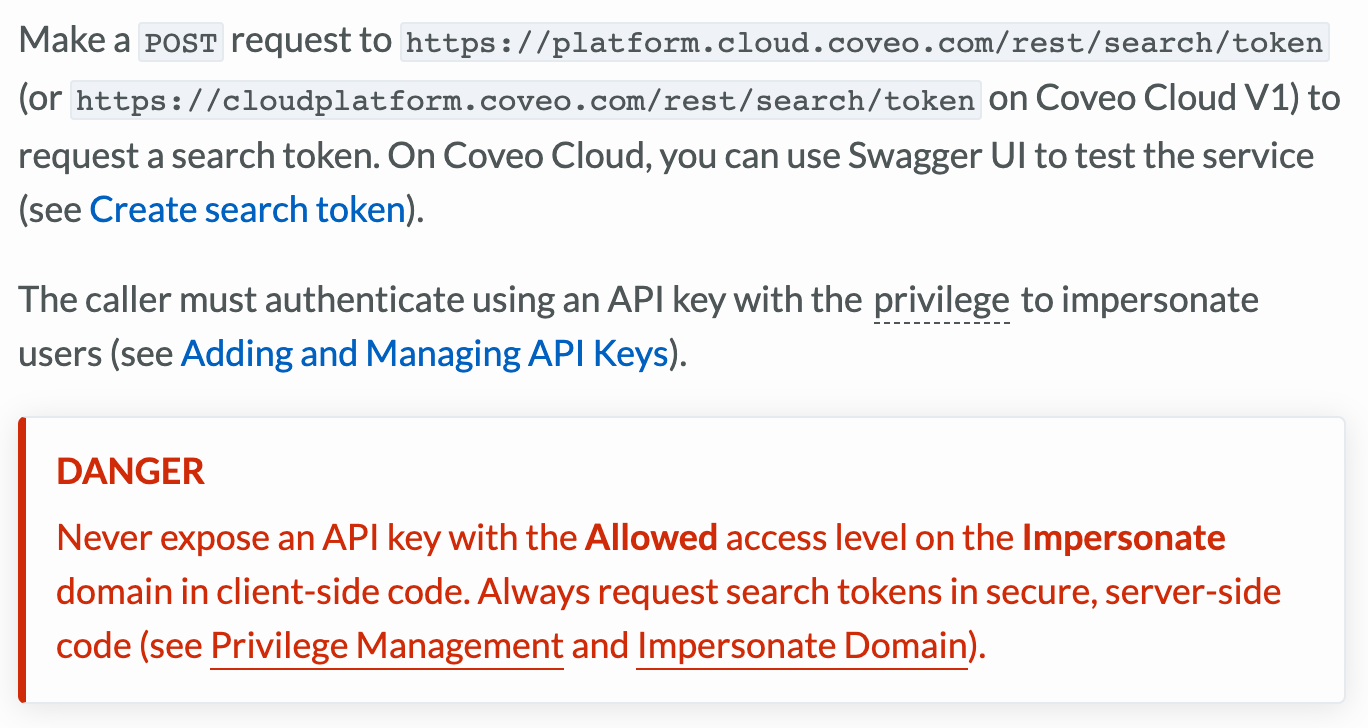
Danger (red)
Use Danger boxes only when you need to alert readers to events with significant negative consequences, such as data loss or a security breach.
They are for circumstances in which someone could lose their job if something is not done correctly.
Code Blocks
Used to put code samples in specifically formatted boxes with appropriate code highlighting.
On a single line, enter three back quotes <```> immediately followed by the coding language name. To close the box, after the code, on a single line, enter another three backquotes.
When highlighting error messages on more than one line, use the JSON code language.
Within the code, when you need to identify variable content you may use placeholders.
Written between angle brackets (<>), all in CAPS, and separated with underscores ( _ ) when using multiple words. (for example, <ADD_TEXT_HERE>).
Only use when needed to explain or present the code block.
Do not use in an example div.
AsciiDoc Admonitions
Note
Notes are used for information which requires higher priority and visibility than a footnote.
Notes typically contain supplementary information which is pertinent to the context or may only be applicable in specific conditions, and which may not be necessary to complete a task or understand a concept.
Put notes in specifically styled admonitions to find them more easily.
When there are two or more notes, use a Notes admonition with bullets rather than adjacent admonitions.
Notes admonitions cannot contain other admonitions.

|
Note
This is a Note. |
Example
Examples are essential as they are often what readers need to understand concepts or resolve issues.
To make examples easier to find, put them in specifically styled blocks.
When you start typing "For example…" or "For instance…", consider creating an example block, except when you start typing inside a Note admonition.
In the example block, when creating an introductory sentence, do not use bold.
If the example is short and does not deserve its own block, you can use an in-sentence formulation "… such as blah blah".
When there are two or more examples, use one examples block with bullets rather than adjacent example blocks.
You can insert one level of admonitions inside an example block, but you should avoid it whenever possible.
This is an example block.
And this is an example block…
|
|
Note
…with a Note admonition inside of it. |
Leading practices
Leading practices describe ways to configure or use the product to maximize output or efficiency (for example, use recommended patterns, fewer chances of breaking, robustness, etc).
Put leading practices in specifically styled admonitions to find them more easily.
When there are two or more leading practices, use one Leading Practices admonition with bullets rather than adjacent admonitions.

|
Leading practice
This is a Leading Practice. |
Important
Use the Important admonition to prevent wastes of time, configuration and user inconveniences, or limitation hits.

|
This is important! |
Warning
Only use Warning admonitions when you need to alert the user of something with significant negative consequences, such as data loss or a security breach.
They are for circumstances in which someone could lose their job if something is not done correctly.

|
WARNING
This is dangerous! |
Code
Use the Code admonition to contain a code block and give it a title.
Only use when needed to explain or present the code block.
This block type will be deprecated soon.
This is a code admonition…
...it contains a code block. Very useful
 Not really
 Very useful
 Not really