---
title: Displaying results as a list or grid
slug: latest-list-or-grid
canonical_url: https://docs.coveo.com/en/atomic/latest/usage/displaying-results/list-or-grid/
collection: atomic
source_format: adoc
---
# Displaying results as a list or grid
Using the [`atomic-result-list`](https://docs.coveo.com/en/atomic/latest/reference/components/atomic-result-list/) component, results can be displayed as a list or grid.


## Choose a layout
The layout defines whether results are going to be displayed as a list or a grid.
You can choose a layout by setting the `display` attribute on the `atomic-result-list` component.
### List
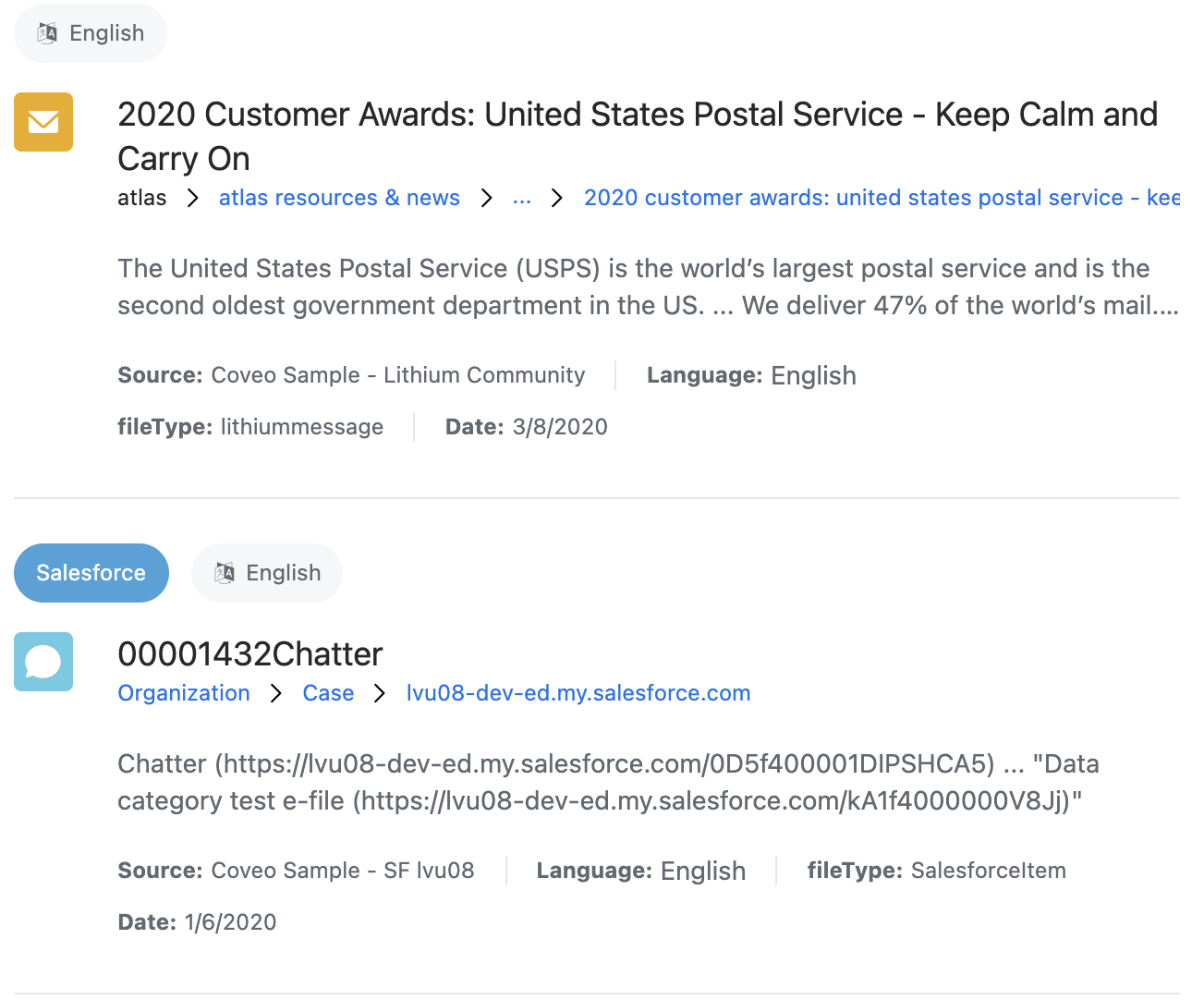
List is the default layout.
The list layout displays a single column containing all the results, taking the full available width.
On a desktop browser, a divider separates the list results.
On mobile, they're generally displayed as cards surrounded by outlines.
```html
...
```
### Grid
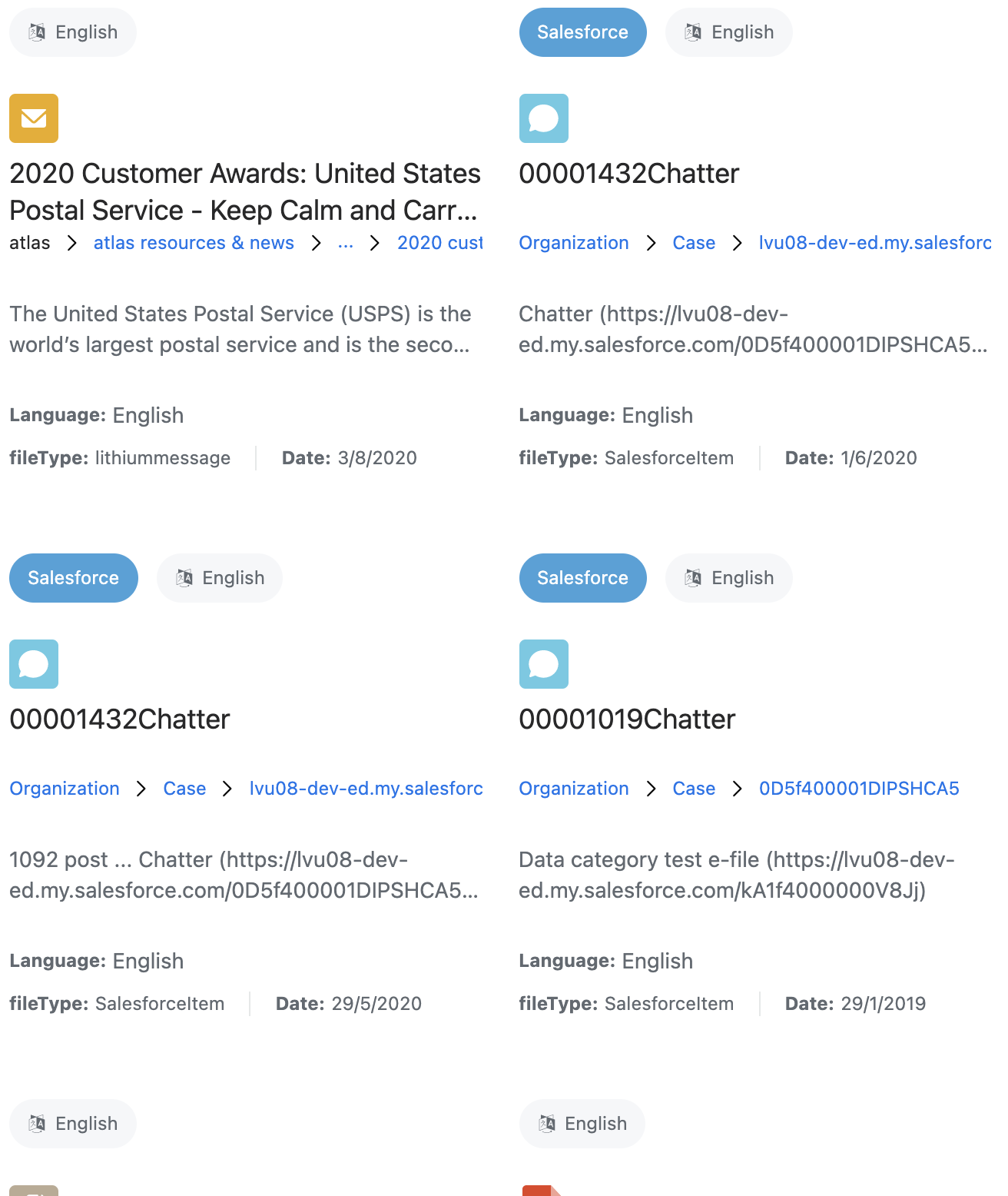
The grid layout displays a number of columns containing all of the results.
The number of columns varies based on the available space.
Grid results are clickable.
On the desktop, they display an outline when hovered.
```html
...
```
## Optional: Choosing a density
The `density` attribute defines the spacing of various elements in the result list, including the gap between results.
When the [result sections](https://docs.coveo.com/en/atomic/latest/usage/displaying-results/result-sections/) are used, the gap between parts of a result and the font sizes of different parts of a result are also adjusted.
The possible values of `density` are:
* `comfortable`
* `normal` (default)
* `compact`
## Optional: Choosing an image size
The `image-size` attribute defines the expected size of images in the list, and has four possible values:
* `none`
* `icon` (default)
* `small`
* `large`
This affects how many results should be displayed horizontally.
On mobile, this also affects whether results should have an outline or dividers:
* When this is set to `none`, `icon`, or `small`, the results on mobile have an outline.
* When this is set to `large`, the results on mobile are separated by dividers.


When the [result sections](https://docs.coveo.com/en/atomic/latest/usage/displaying-results/result-sections/) are used, they also change the size of the `atomic-result-section-visual` section.
## Advanced customization
### Customizing the divider
The divider above each result can be customized as follows:
```html
```

### Customizing the outline
The outline around each result can be customized as follows:
```html
```

