---
title: Localization
slug: latest-atomic-localization
canonical_url: https://docs.coveo.com/en/atomic/latest/usage/atomic-localization/
collection: atomic
source_format: adoc
---
# Localization
The Coveo Atomic library leverages the [i18next](https://www.i18next.com/) framework to handle localization.
This article explains how you can access and modify your search interface's i18next instance.
## Change the Atomic interface language
Atomic includes support for several languages out of the box.
The available languages can be found in the [`locales.json`](https://github.com/coveo/ui-kit/blob/master/packages/atomic/src/locales.json) file.
> **Disclaimer**
>
> Many of the language strings were created using a generative AI model, so there may be some inaccuracies in the translation.
>
> To contribute improved language strings, submit changes to the `locales.json` file.
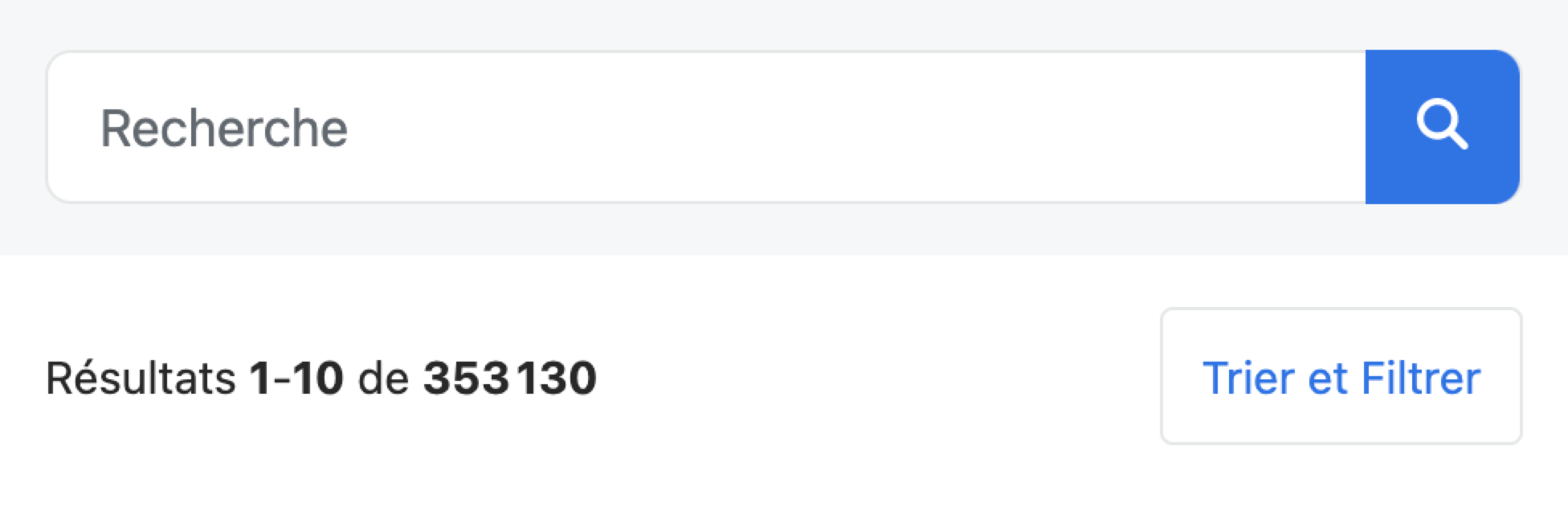
To change the interface language, set the `language` prop on the [`atomic-search-interface`](https://docs.coveo.com/en/atomic/latest/reference/components/atomic-search-interface/) component.
```javascript
const searchInterface = document.querySelector('atomic-search-interface');
searchInterface.language = 'fr';
```
## Add or modify text
The `atomic-search-interface` exposes an `i18n` property, which is an i18next instance.
Its [`addResourceBundle`](https://www.i18next.com/overview/api#addresourcebundle) method lets you add or modify any text value used in the Atomic library.
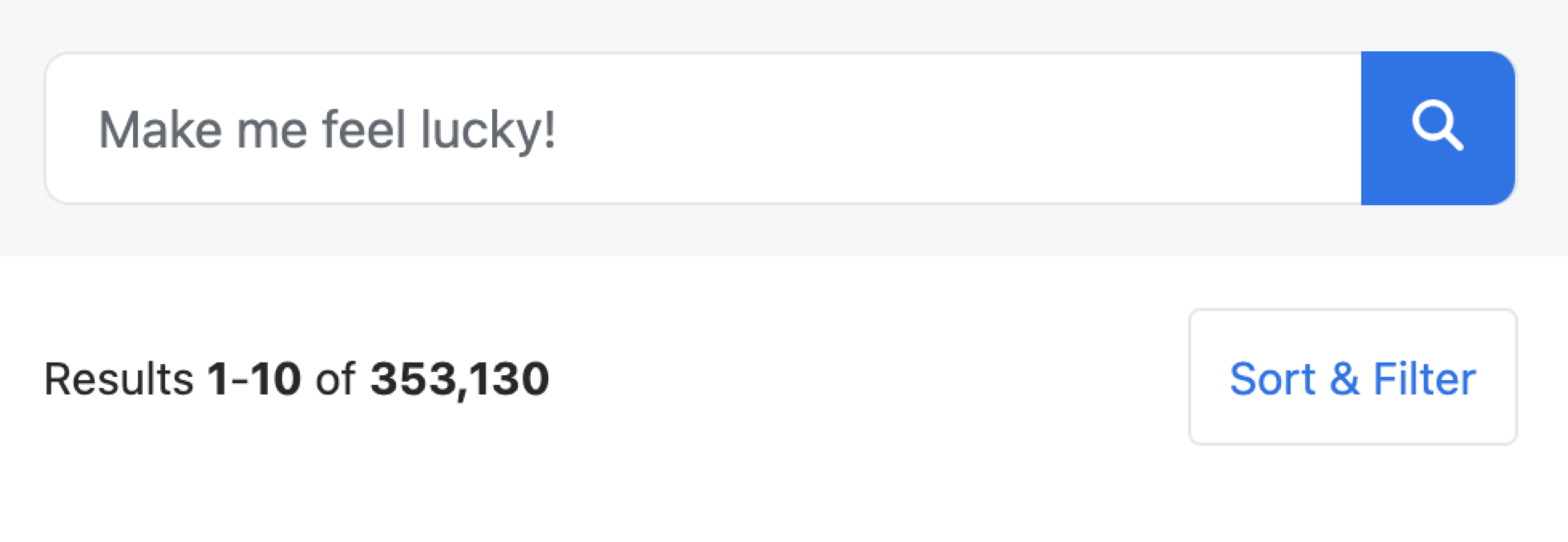
The following example modifies the `search` text key-value pair and declares the `new` one in an English interface:
```javascript
searchInterface.i18n.addResourceBundle('en', 'translation', {
search: 'Make me feel lucky!',
new: 'A new value!',
});
```
## Add or modify captions
Similarly to text key-values, Atomic uses caption key-values to display item field values.
Facets and result templates often leverage such captions.
Each field has a different namespace, starting with `caption-`.
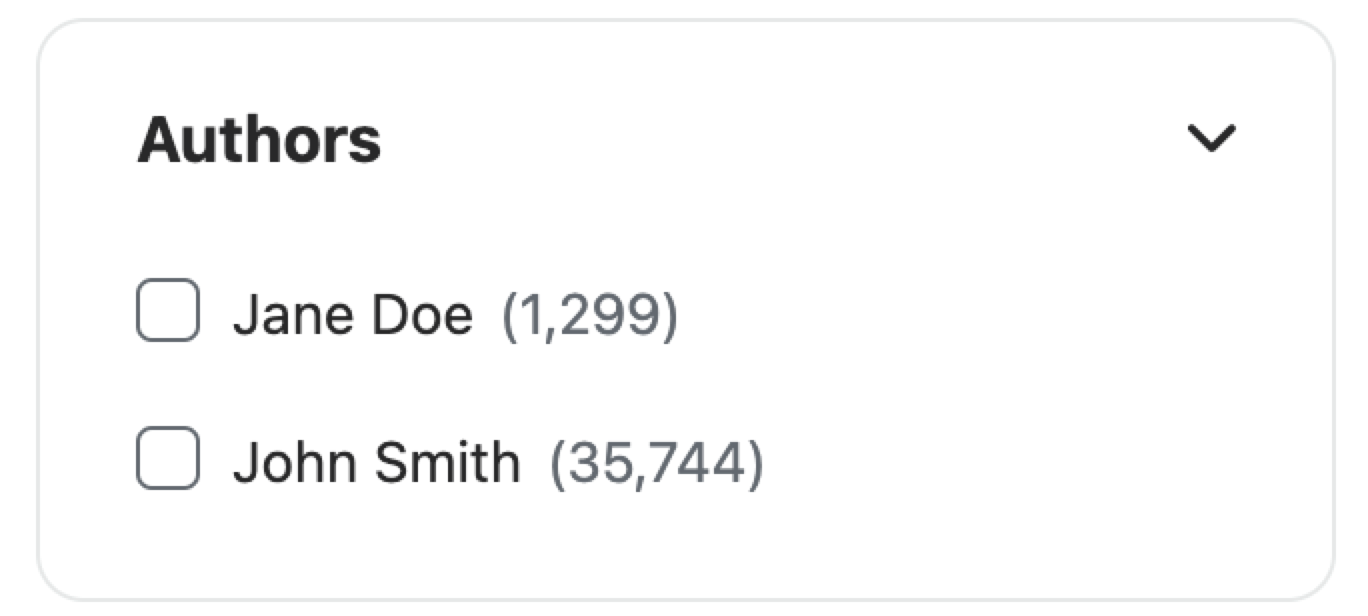
The following example modifies two caption key-value pairs for the `author` field:
```javascript
searchInterface.i18n.addResourceBundle('en', 'caption-author', {
jdoe: 'Jane Doe',
jsmith: 'John Smith',
});
```
Facet outcome example:
Result template outcome example:

## Use the `dev` Language
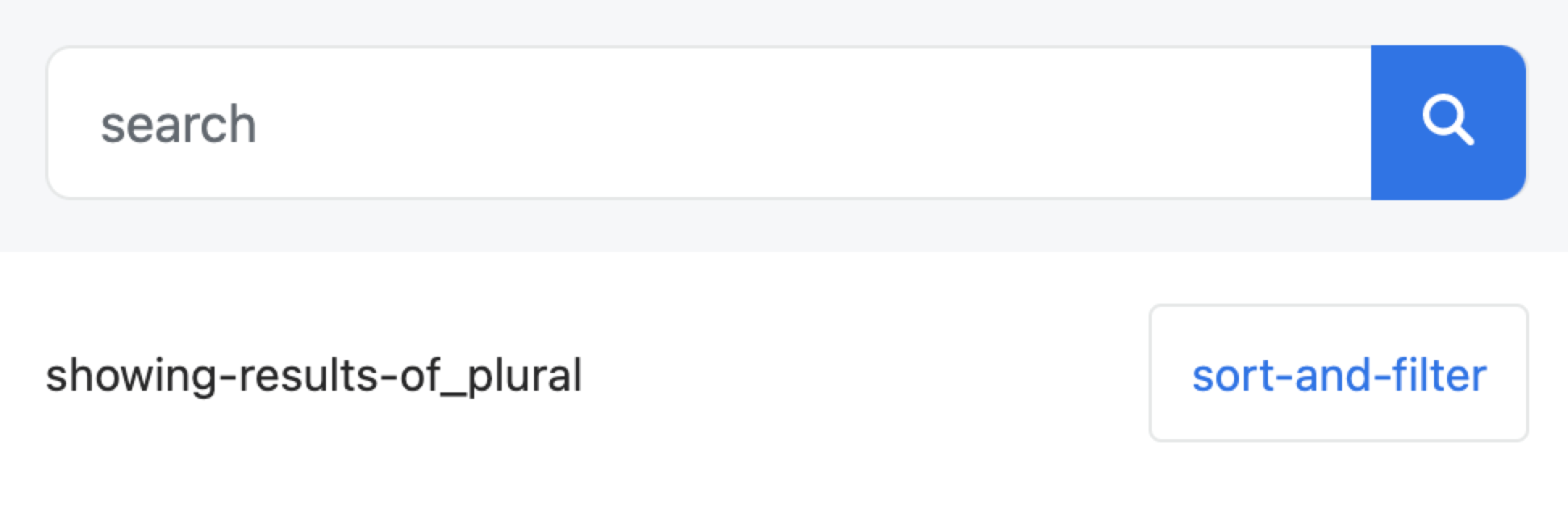
To discover where in your interface which key goes with which value, use the `dev` language.
Doing so will display keys instead of values.
## List text values
To list all values for a specific language and namespace, use the [`getResourceBundle`](https://www.i18next.com/overview/api#getresourcebundle) method:
```javascript
const englishTexts = searchInterface.i18n.getResourceBundle('en', 'translation');
console.log(englishTexts);
/*
{
search: 'Search',
no-title: 'No title',
search-box: 'Insert a query. Select Enter to send.',
facet-search: 'Search for values in the {{label}} facet',
facet-value: 'Inclusion filter on {{value}}; {{count}} result',
...
}
*/
```
## Use dynamic values
Some text values leverage interpolation, that is, they contain dynamic values enclosed within double brackets.
For example, the `did-you-mean` text value takes a dynamic `query` value: `Did you mean: {[query](https://docs.coveo.com/en/231/)}` (see [locales.json](https://github.com/coveo/ui-kit/blob/master/packages/atomic/src/locales.json)).
If you modify these text key-values, make sure to leverage the same dynamic values to keep your search interface as informative as possible for your users.
A text value may have a plural form.
For example, `past-year` and `past-year_plural` are text keys meant to handle pairs such as `Past 1 year` and `Past 3 years`.
The plural form uses the dynamic value `{{count}}` when it's higher than 1.
```json
"past-year": {
"en": "Past year",
"fr": "Année passée"
},
"past-year_plural": {
"en": "Past {{count}} years",
"fr": "{{count}} années passées"
},
// ...
```
For more information on interpolation, see the [i18next documentation](https://www.i18next.com/translation-function/interpolation).
## Use the `label` prop
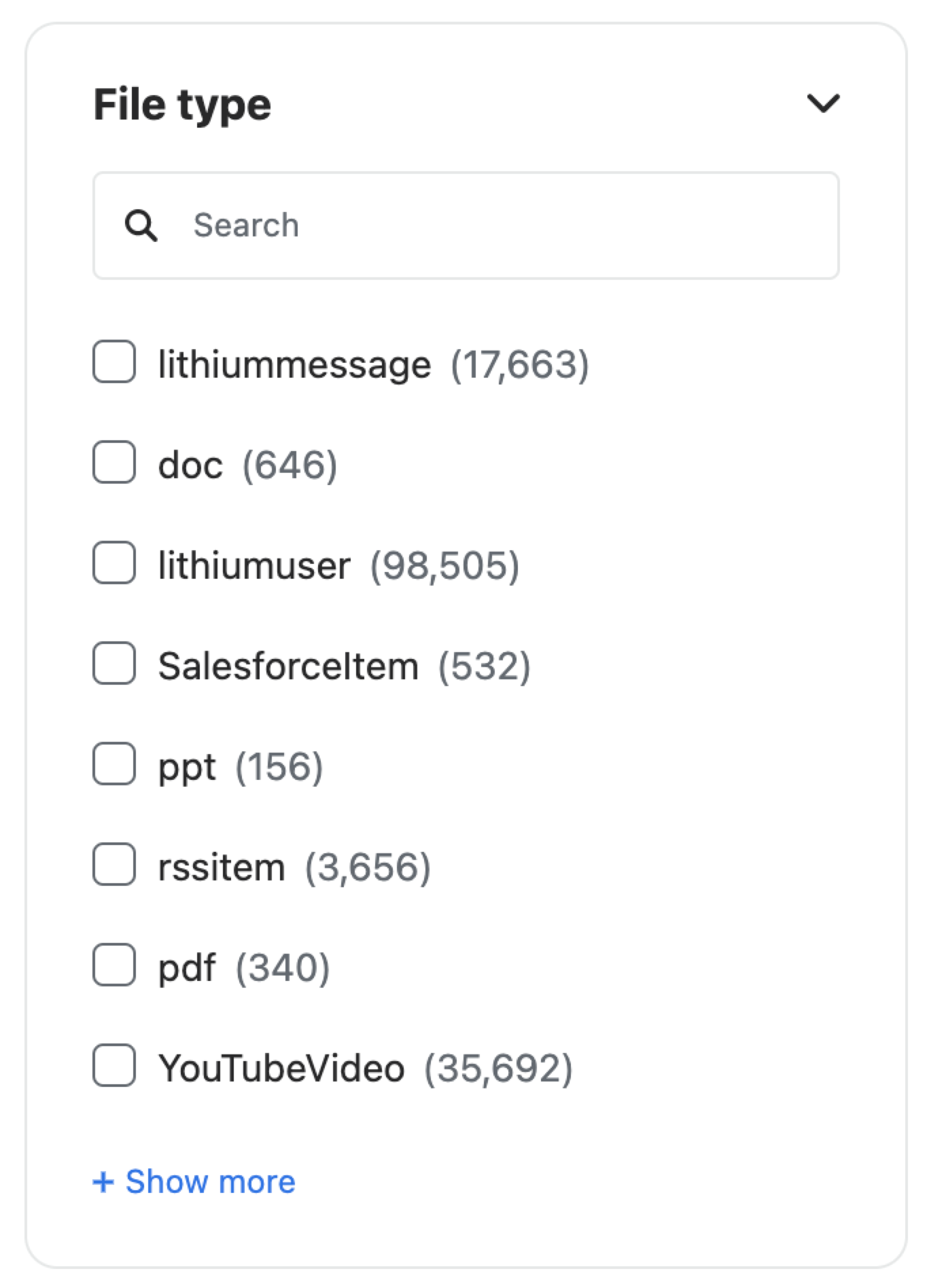
Some components, such as [`atomic-facet`](https://docs.coveo.com/en/atomic/latest/reference/components/atomic-facet/), expose a `label` prop that, as the name implies, let you label components for your users.
For localization, assign text keys rather than values to the `label` prop.
For example, setting the `file-type` key as the label value will display the localized file type value.
```html
```
If the existing Atomic text and captions don't meet your needs, we recommend [adding i18n resources](https://www.i18next.com/how-to/add-or-load-translations) as desired.
## Use the `atomic-text` component
To insert a text value [defined in the Atomic library](https://github.com/coveo/ui-kit/blob/master/packages/atomic/src/locales.json) into your search interface, use the [`atomic-text`](https://docs.coveo.com/en/atomic/latest/reference/components/atomic-text/) component.
```html
```
The above example will display "Check the spelling of your keywords." in your page.